Sign up and add your first site
Updated
Tidemark Cloud is the hosted version: the same dashboard as the self-hosted app, without a server to run.
- Create your account. Go to app.tidemarkanalytics.com/register and sign up with your email address. You may be asked to confirm your email before you can add a site.
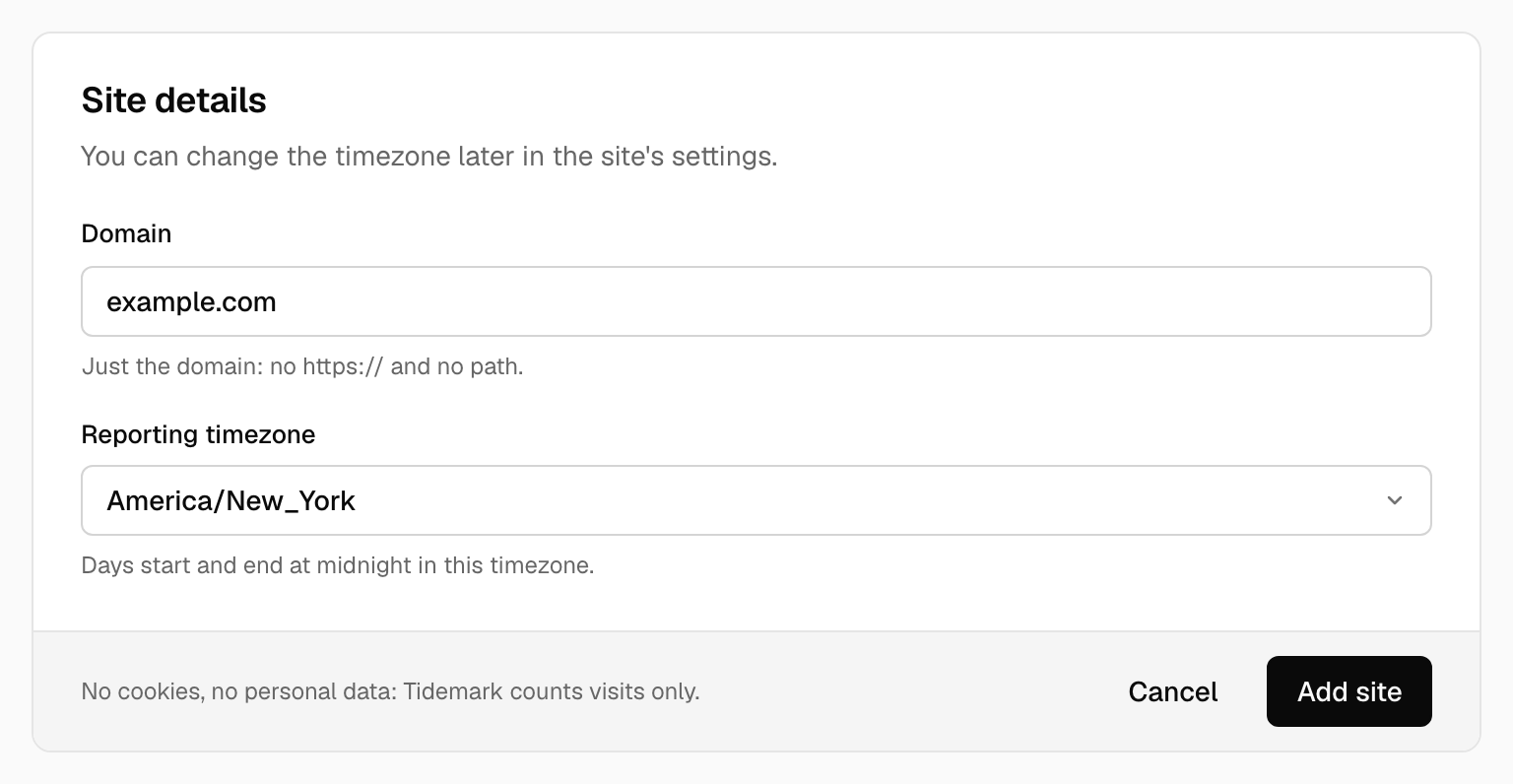
- Add a site. Open Sites, choose Add a site and enter the domain you want to measure, for example
example.com. - Paste the snippet. Tidemark shows a one-line script for the site. Paste it into the
<head>of every page you want to measure:
<script defer data-domain="example.com" src="https://app.tidemarkanalytics.com/js/script.js"></script>
- Wait for the first pageview. The dashboard opens by itself when the first visit arrives.
New accounts start on the Free plan: one site, 10,000 events a month and six months of history. See Plans and limits for what Pro adds.
More about the snippet, single-page apps and custom events is in the Tracking section.
Was this helpful?
Ready to try Tidemark?
Free plan, no credit card. No cookies, no footprints.