Account security
Updated
On this page
Open Account settings → Security.
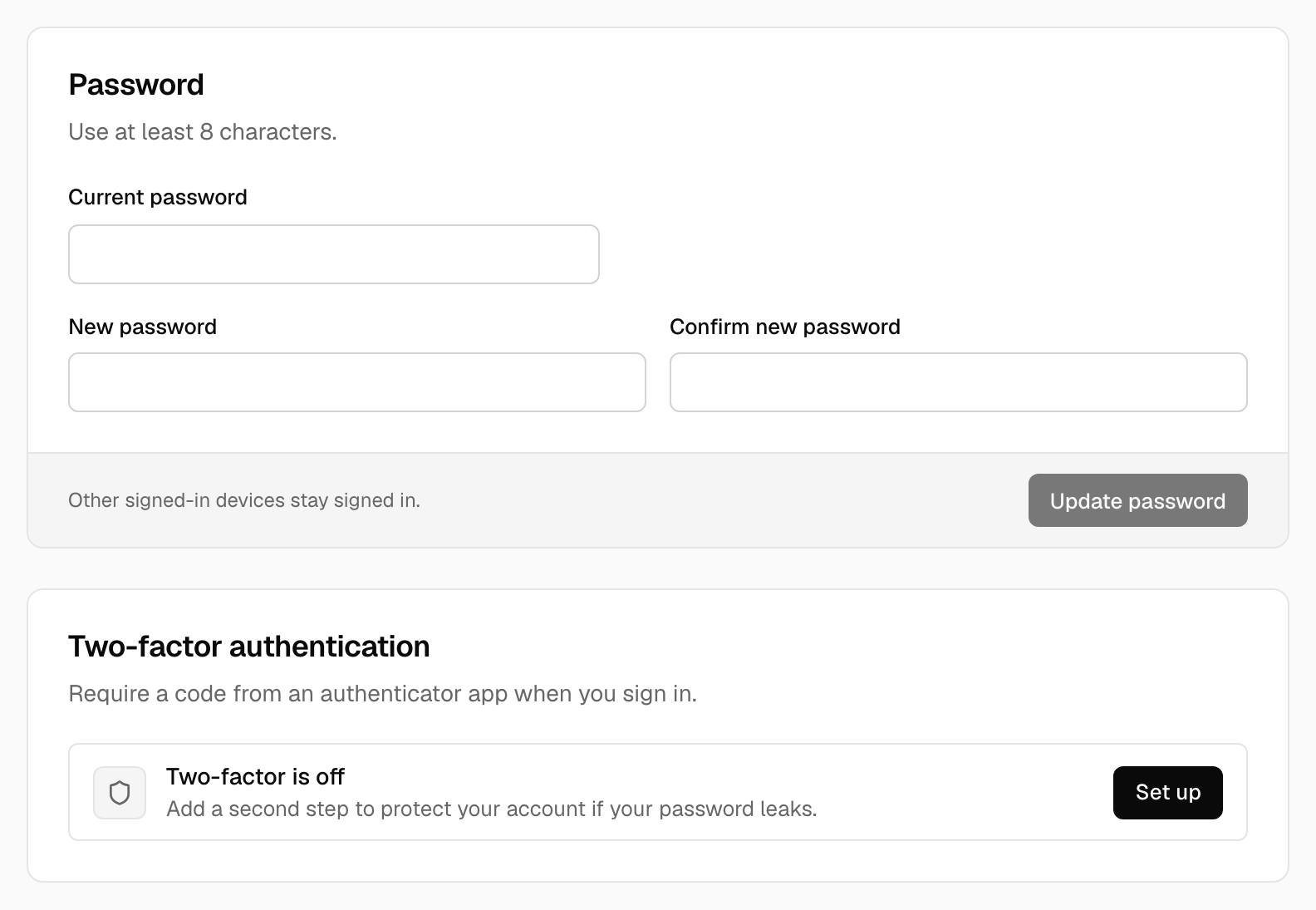
Password
At least 8 characters. Changing it asks for your current password.
Two-factor sign-in
Tidemark supports time-based one-time codes (TOTP) from any authenticator app.
- Choose Set up two-factor.
- Add the secret shown to your authenticator app, or use the Open in authenticator app link on a phone.
- Enter the 6-digit code it shows and choose Confirm and enable.
From then on, sign-in asks for a code. Disabling it asks for your password.
Caution:
Keep a way back in. If you lose your authenticator and have no other administrator, you'll need database access to recover.
Was this helpful?
Ready to try Tidemark?
Free plan, no credit card. No cookies, no footprints.