Rollups
Updated
On this page
A rollup is one dashboard that adds up several of your sites. Use it to see a whole group of sites at a glance: all the subdomains of a brand, a network of blogs, or every site you run.
On Tidemark Cloud, rollups come with the Pro plan. Self-hosted installs have them without limits.
Create a rollup
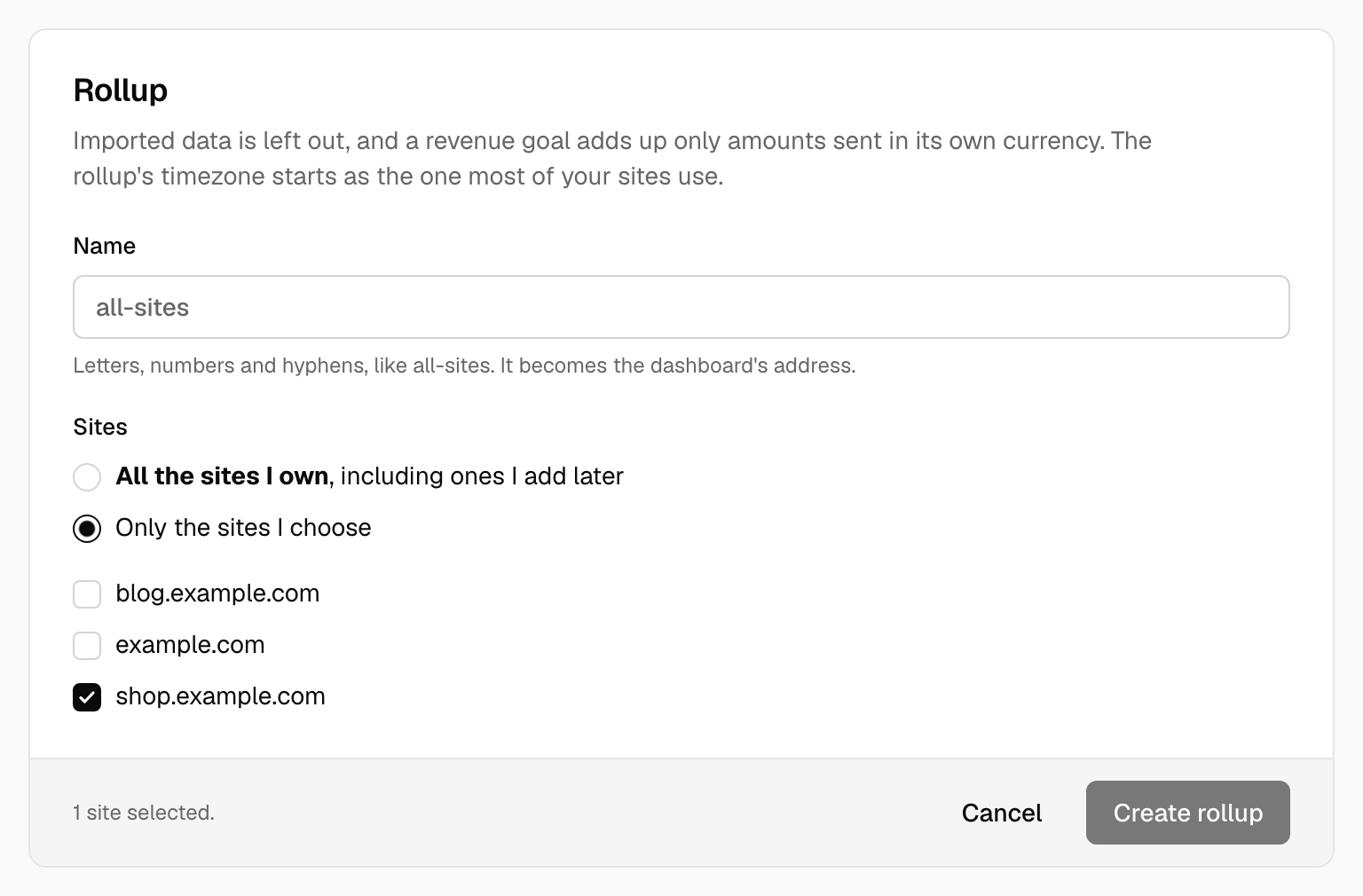
- Open Your sites and click Create a rollup. The button appears once you have two or more sites.
- Give it a name, using letters, numbers and hyphens, such as
all-sites. The name becomes the dashboard's address. - Choose All the sites I own, which also includes sites you add later, or Only the sites I choose and tick them.
- Click Create rollup. It opens straight away.
What you see
A rollup has the same dashboard as any site, with the numbers of all its sites added together: visitors, pageviews, sources, pages, locations, devices, goals, funnels, segments and journeys. Your sites keep their own dashboards and their own data, and a rollup never changes them.
A visitor who visits two of your sites is counted once for each site, because Tidemark doesn't follow people from one site to another. Pages from different sites that share a path, such as /, appear as one row.
Settings
Open the rollup's settings from the menu on its dashboard.
- Sites lists which sites it adds up. Changing the list changes the whole history, so a site you take out disappears from the rollup's past as well as its future.
- Data sets the timezone. It starts as the timezone most of the rollup's sites use.
- Goals and Funnels belong to the rollup. A goal matches events and pages by name in every site it adds up, and you create them on the rollup the same way as on a site. Revenue goals work too: a goal with a currency adds up only the amounts sent in that currency.
- Sharing works as it does for a site, so you can make a rollup public or give out a shared link.
Good to know
- "All the sites I own" covers only sites you own, not ones you can merely open as an admin or viewer. You can still pick such a site by hand. A rollup stops including a site if you lose access to it.
- Data imported from other tools, such as Plausible, is left out. It has no daily detail to add up.
- You can't send events to a rollup, or reset, export or import its data, because it has none of its own. Deleting a rollup deletes only the rollup, never the sites in it.
Was this helpful?
Ready to try Tidemark?
Free plan, no credit card. No cookies, no footprints.