Periods and keyboard shortcuts
Updated
On this page
Periods
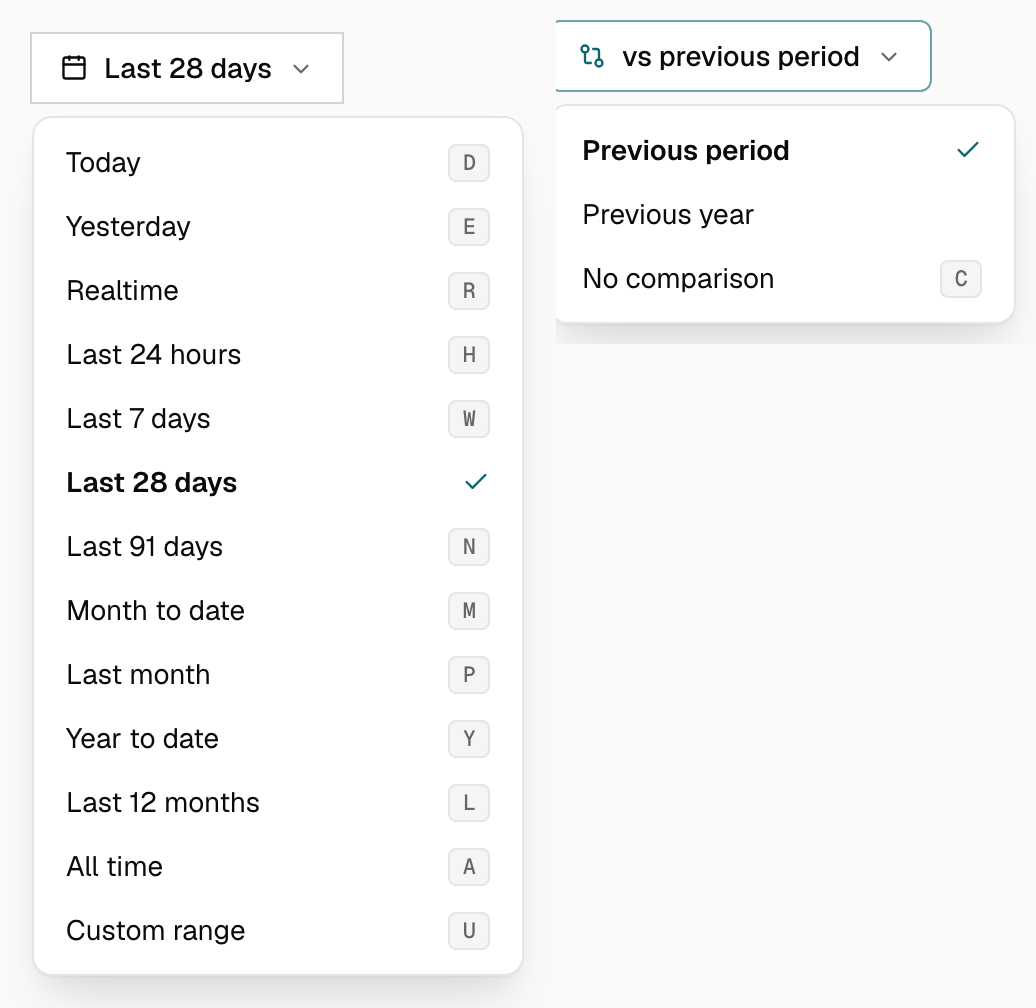
Choose from Today, Yesterday, Realtime, Last 24 hours, Last 7 days, Last 28 days, Last 91 days, Month to date, Last month, Year to date, Last 12 months, All time and Custom range. The default is the last 28 days, and Tidemark remembers the period you last chose on each site in your browser. Last 7, 28 and 91 days end with yesterday, because today isn't finished yet; Month to date and Year to date include today.
Comparison
Press X, or choose Compare in the date menu, to compare against another period (not available for realtime or all time). A second control next to the date switches between Previous period and Year over year. Each top stat then shows its own date range with the previous value underneath, and the graph draws the earlier period behind the current one.
Shortcuts
| Key | Action |
|---|---|
| D | Today |
| E | Yesterday |
| R | Realtime |
| H | Last 24 hours |
| W | Last 7 days |
| F | Last 28 days |
| N | Last 91 days |
| M | Month to date |
| P | Last month |
| Y | Year to date |
| L | Last 12 months |
| A | All time |
| C | Custom range |
| X | Compare |
| ← → | Step through days, months or years (when one is selected) |
The dashboard uses each site's timezone, which you can change in General settings.
Was this helpful?
Ready to try Tidemark?
Free plan, no credit card. No cookies, no footprints.