General settings
Updated
Open Site settings in the sidebar. This page covers the Tracking tab (the snippet, automatic events and Shields) and the Data tab (timezone, moving your data and the danger zone).

Snippet
The exact script tag for the site, with the file name for the options below.
Automatic events
Each toggle adds a small extension to the script and a matching goal. Toggle outbound links, file downloads and form submissions. The snippet's file name updates to match. These correspond to the script variants.
Privacy controls
Below the automatic events, the Privacy controls card has switches for collecting even less: Global Privacy Control, Do Not Track, location detail, the query parameters to keep and the referrer's domain. See Privacy controls.
Bot and spam filtering
Hits that don't come from a person's browser are left out and counted. This card shows what was filtered in the last 30 days and lets you turn the filter off. See Bot and spam filtering.
Alerts
The Alerts tab holds rules that tell you when traffic spikes or drops, a goal reaches a number or a new source appears, and the webhooks they can use. See Alerts and webhooks.
Timezone
Days start and end at midnight in this timezone. It applies to reports and in the Stats API. Changing it re-buckets existing data; nothing is lost.
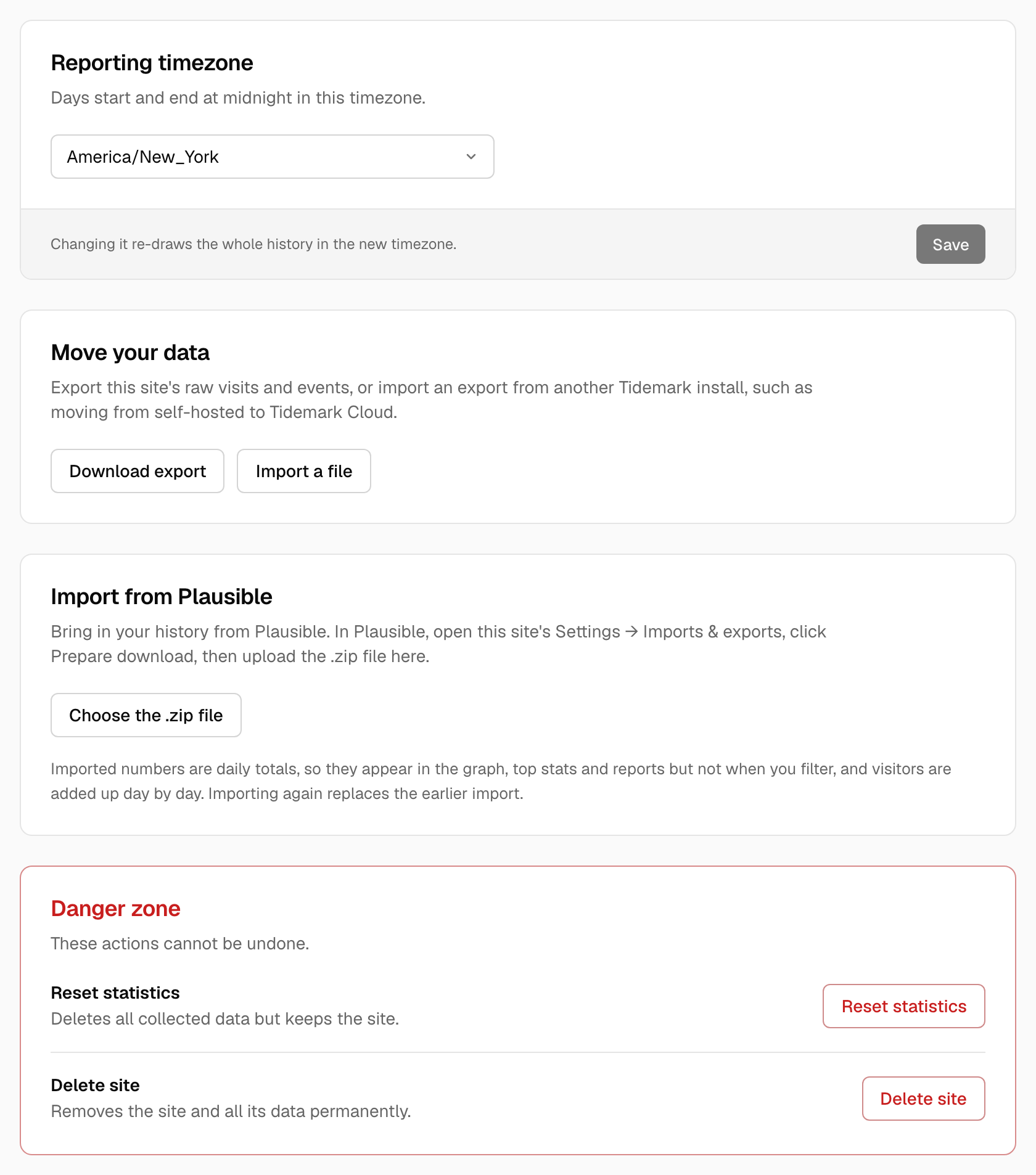
Danger zone
Visible to the site's owner only.
- Reset statistics deletes the site's collected data and keeps the site.
- Delete site removes the site and its data. Only the owner can do this.
Both are permanent. Export a CSV first if you might want the numbers later.
Was this helpful?
Ready to try Tidemark?
Free plan, no credit card. No cookies, no footprints.