Sharing a dashboard
Updated
Open Site settings → Sharing and access.
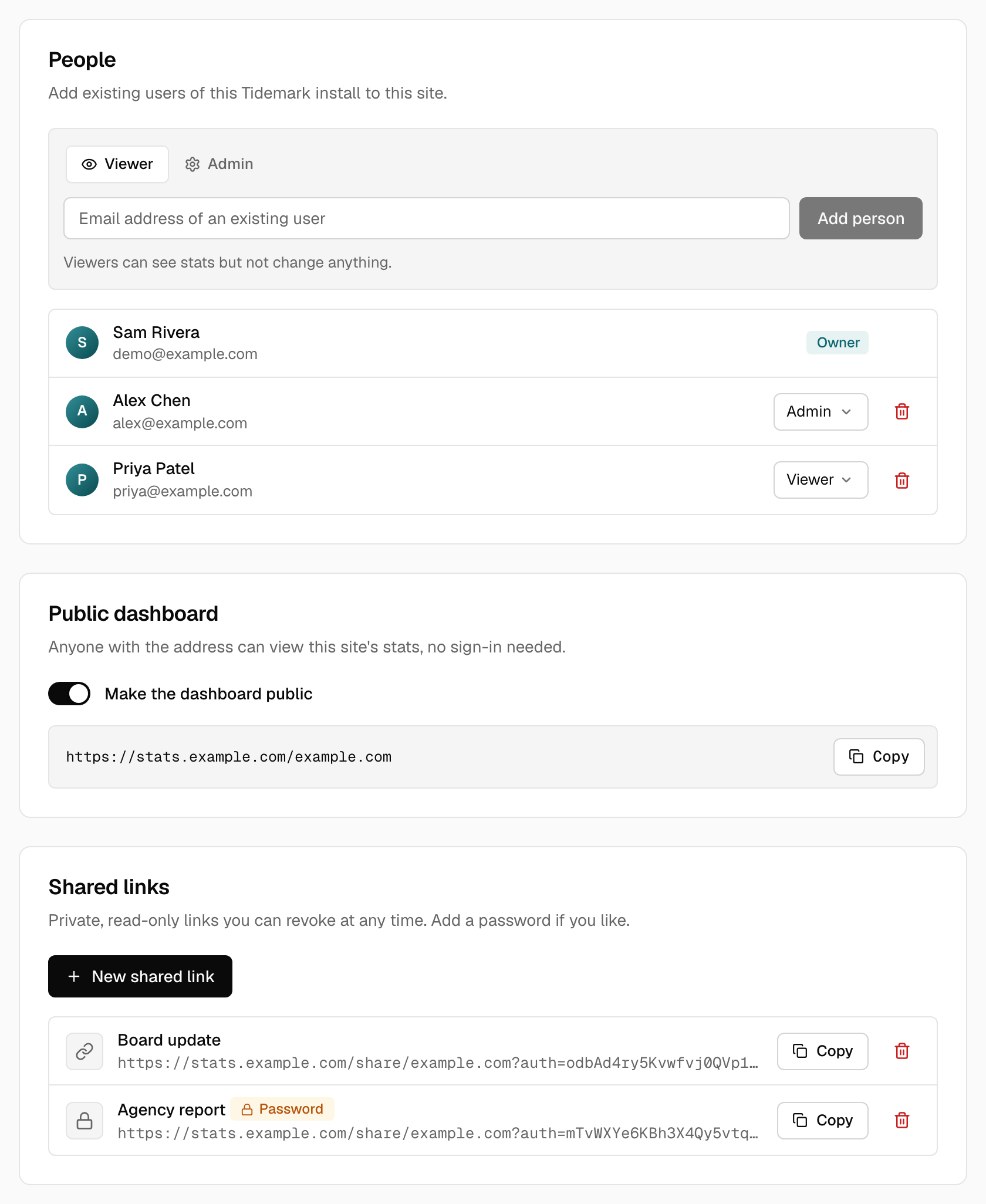
Public dashboard
Turn on Make the dashboard public and anyone with the address can view the site's stats without signing in. Turn it off to make it private again.
Shared links
Create a read-only link for a client or colleague. Each link has a name (only you see it), can be protected with an optional password, and can be revoked at any time without affecting the others. Copy the link from the list; it looks like https://stats.example.com/share/example.com?auth=…. Visitors to a password-protected link are asked for the password first.
Note:
Shared and public views are read-only. Visitors can filter and change the period, but cannot reach settings.
Small groups
On the same tab, Small groups sets a minimum number of visitors for rows shown on the public dashboard and shared links, so a rare country or page can't point at one person. See Small groups on public dashboards.
Notes on the graph
Notes you share with anyone who can see the dashboard appear on the public dashboard and shared links too. Private notes and notes shared only with the site never do. See Notes on the graph.
Was this helpful?
Ready to try Tidemark?
Free plan, no credit card. No cookies, no footprints.